Opt-outs and consent on WhatsApp, Telegram and Messenger
Practical guidance on consent and opt-outs for B2B messaging on WhatsApp, Telegram and Facebook Messenger: what platforms require and how to honour it.
 GraphKit team
On this page
Messaging apps feel personal because they are. A WhatsApp message lands next to someone’s family group, and an unwanted one gets blocked or reported far faster than an email. That is why WhatsApp, Telegram and Facebook Messenger are good channels for conversations people have agreed to, and poor channels for anything else.
This guide covers what each platform says about consent and opting out, what “consent” looks like in practice for B2B teams, and how to make sure an opt-out is honoured everywhere, not just in the chat where it was typed. It is practical guidance, not legal advice. Laws on electronic marketing differ by country, and sometimes depend on whether the person is an employee of a company or a sole trader; take advice for your own situation. The UK regulator’s guidance on business-to-business marketing is a useful starting point for UK senders.
What the platforms say
WhatsApp’s Business Messaging Policy is the clearest of the three. You may contact people only if:
- they have given you their mobile phone number or username, and
- you have received opt-in permission confirming they wish to receive subsequent messages from you.
On opting out, it says you “must respect all requests (either on or off WhatsApp)” to block, discontinue or opt out of communications, including removing the person from your contacts list. It also says users can block or report businesses, and that WhatsApp may limit how many messages a business can send based on that feedback.
WhatsApp’s Terms of Service separately prohibit bulk messaging and auto-messaging. Put plainly: WhatsApp is not a cold outreach channel, and treating it as one puts the account at risk regardless of what any law allows.
Telegram
Telegram’s Terms of Service ask users to agree not to “use our service to send spam or scam users”, and state that breaking the terms may result in a temporary or permanent ban. Telegram’s API terms also prohibit actions on a user’s behalf without their knowledge and consent. There is less detail than WhatsApp’s policy, but the direction is the same: message people who expect to hear from you.
Facebook Messenger
Meta’s Messenger Platform policy governs businesses using its official messaging APIs. It limits when a business can message someone to a window (24 hours for most actions) opened by the person, and notes that users can block or mute a conversation with a business at any time. GraphKit sends Facebook messages from personal profiles rather than through that API, and Facebook Pages are inbox-only in GraphKit for the same reason: Pages can only answer people who wrote recently. The principle carries over either way. Message friends, people already in a conversation with you, and people who asked to hear from you.
What consent looks like in practice
For B2B teams, consent on these channels usually comes from one of three places:
- They started the conversation. Someone messages your WhatsApp number from your website, or writes to you on Telegram after a talk.
- They opted in somewhere you can point to. A form that asked for a WhatsApp number and said what you would send, a sign-up sheet at an event, a checkbox in a trial flow.
- They are an existing contact who agreed. A customer who asked to be updated on WhatsApp, a partner who prefers Telegram.
What does not count: a number found on a website, a number from a data vendor, or a phone number on someone’s LinkedIn profile. Having a number is not the same as having permission to use it for messages.
For each opted-in contact, keep a record of where the consent came from, when, and what the person was told. If a contact ever asks why you messaged them, you want to answer in one sentence.
How GraphKit records consent
Every lead identity on WhatsApp, Telegram and Facebook carries a consent basis: opt-in, existing conversation, imported with consent, or (on Facebook) friend. Campaign steps on those channels only run when one is present; without it, the step is skipped or the lead stops, depending on how you set the step up.
- When someone you have never spoken to writes to you, GraphKit creates the lead with an existing-conversation basis automatically.
- When you import a CSV, you can mark the contacts as collected with consent, per channel. Do this only for lists where it is true.
- Only workspace admins can change a consent basis, and every change is written to the audit log.
When you connect a WhatsApp or Telegram account, GraphKit also asks you to confirm that you will only message people who gave you their number or username and agreed to hear from you, and that you won’t send bulk or cold messages. It is a checkbox, but it is worth reading.
Honouring opt-outs everywhere
An opt-out that only works in one chat is not an opt-out. If someone says “stop” on WhatsApp, they mean stop, not “switch to email”.
Keywords
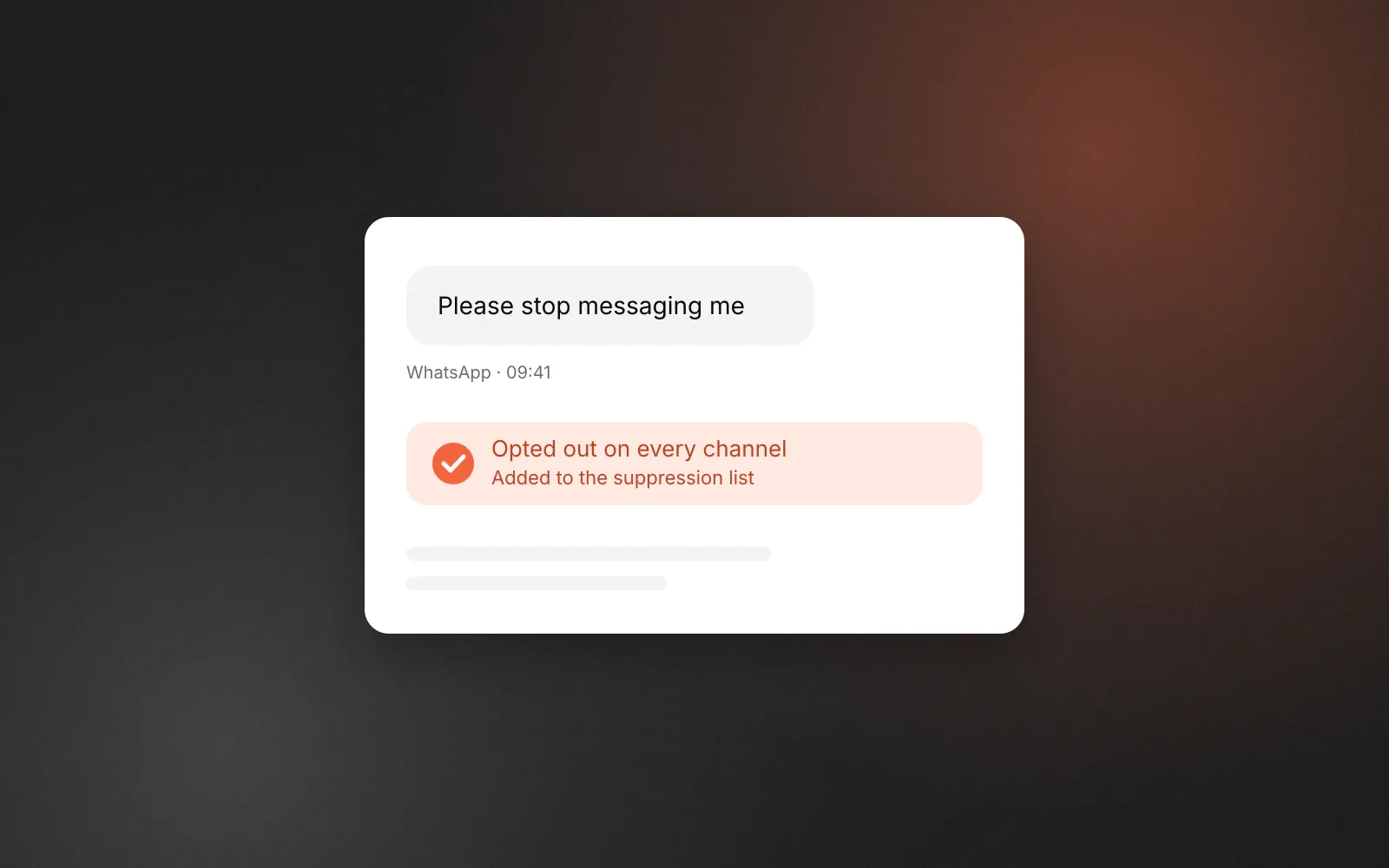
GraphKit watches every inbound message on WhatsApp, Telegram and Facebook for opt-out keywords, whether or not the person is in a campaign. The defaults include “stop”, “stopall”, “unsubscribe”, “opt out” and “optout”, plus equivalents in German, the Nordic languages, French, Spanish, Portuguese, Italian, Dutch and Russian. A message matches if it starts with a keyword, or if it is four words or fewer and contains one. So “STOP” and “please stop” match; a long message that happens to mention “stop” halfway through does not.
Some words are left out on purpose. “End”, “cancel” and “quit” often start ordinary replies (“Cancel that, Thursday works better”), and treating them as opt-outs would silence real conversations. Workspaces can add their own keywords, but can never remove the defaults.
On LinkedIn and Instagram, keyword detection is off by default and can be switched on. We recommend switching it on.
What happens on a match
In one step:
- the lead’s campaigns stop,
- the lead is suppressed on every channel, including email handoffs,
- the conversation is marked as opted out, and the inbox and API refuse further replies to that person.
That last part matters more than it sounds. Most accidental “one more message” incidents are manual, from a teammate who did not see the opt-out. Blocking the composer removes that possibility.
Requests that arrive somewhere else
People also opt out by replying to an email, telling a colleague, or calling. WhatsApp’s policy explicitly covers requests made off WhatsApp. Treat these the same way: add the person to a suppression list.
GraphKit’s suppression lists work at workspace or organisation level, and an entry can match a single identity, a lead (all of their identities), a company domain or a company name. Suppression is checked at import and before every campaign step, including while a lead waits between steps. Identity-level entries survive deleting the lead, so re-importing the same person later does not quietly bring them back. Suppression lists are never shared between different customers on GraphKit.
Making it easy to say no
The platforms expect you to honour opt-outs; good practice is to make them easy to find in the first place.
- Say who you are and why you are writing in the first message. An opted-in contact may not remember the form they filled in three weeks ago.
- Mention how to stop, especially for anything recurring. “Reply STOP and I won’t message you here again” is enough.
- Don’t argue with a no. No “just one last thing”, no follow-up asking why.
- Don’t move channels after an opt-out. If you also have their email, the opt-out still applies unless they say otherwise.
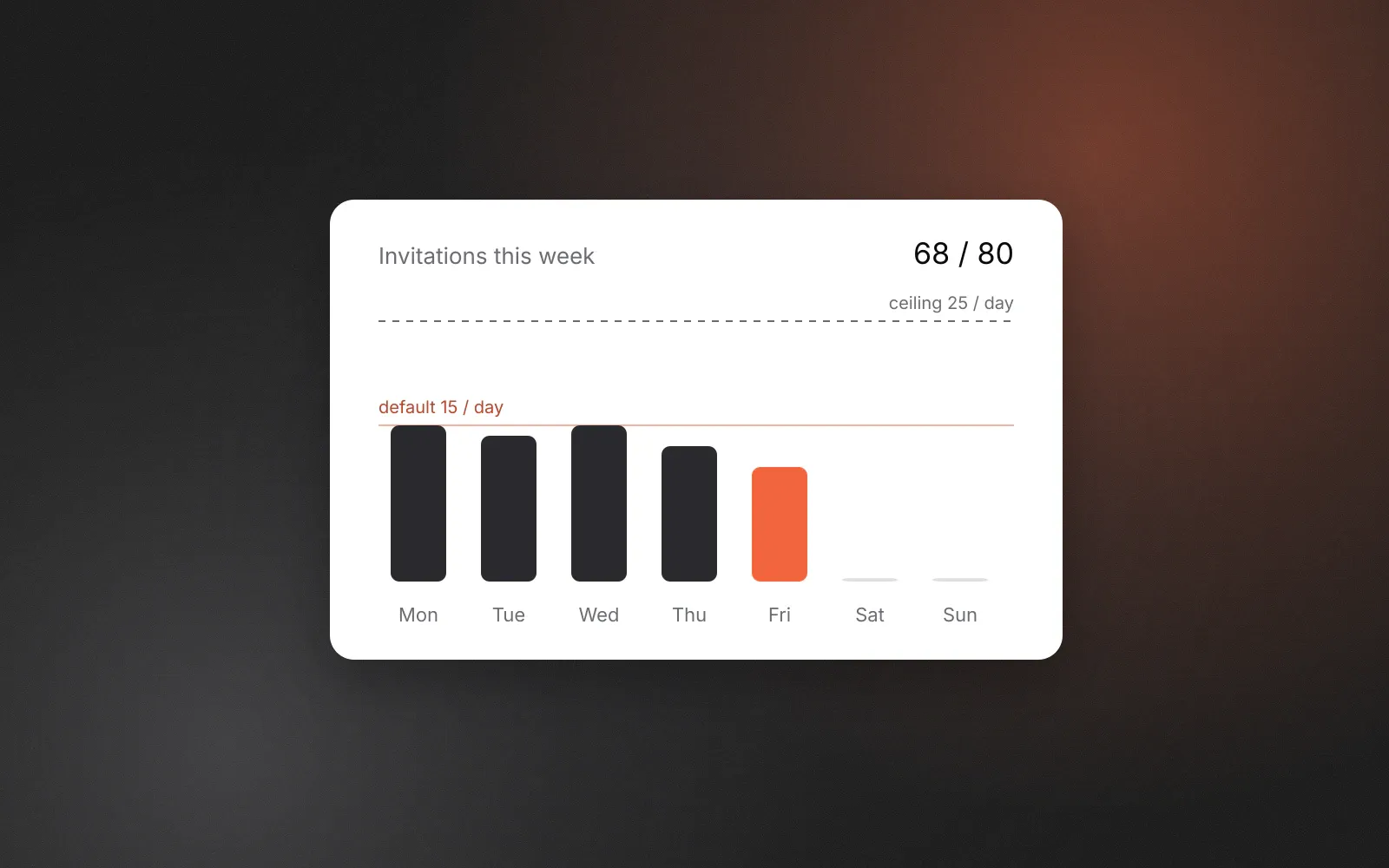
- Keep volume low. GraphKit’s defaults are 20 messages a day per WhatsApp or Telegram account and 15 per Facebook account, with minimum gaps of five and four minutes. These are our recommendations, not platform figures. Messaging apps are for conversations, and conversations don’t scale like campaigns.
A checklist
- Every WhatsApp, Telegram and Facebook contact has a consent source you could explain in one sentence.
- Imported lists are only marked as consented when they were.
- Opt-out keywords are on for every channel you use.
- Off-platform opt-outs go onto a suppression list the same day.
- Existing customers and previous opt-outs are suppressed at organisation level, so new workspaces inherit them.
- Nobody on the team can reply to an opted-out conversation by mistake.
For the sequencing side of the same problem (which channel, in what order, and what stops it), read multichannel outbound without spamming. For how each channel works in GraphKit, see the channels page. GraphKit is not affiliated with, endorsed by or approved by Meta, WhatsApp or Telegram.
Frequently asked questions
Is B2B messaging on WhatsApp exempt from opt-in?
No. WhatsApp’s Business Messaging Policy applies to businesses messaging anyone, and it requires that the person gave you their number and opted in to hear from you. Whether a law also applies depends on your country and the recipient; the platform rule applies regardless.
Should I send a confirmation after someone replies STOP?
Keep it to the minimum, or skip it. In GraphKit, once a conversation is opted out the inbox and the API refuse further replies to that person, so nobody on the team can message them by accident.
What if someone opts out by email or phone instead of in the chat?
WhatsApp says to honour opt-out requests made on or off WhatsApp. Add the person to your suppression list straight away; in GraphKit that stops every campaign and blocks future imports of the same identity.
Does GraphKit use the WhatsApp Business API and message templates?
Not today. GraphKit sends from the WhatsApp account you connect, which is why we limit WhatsApp to existing contacts and people who opted in. Support for Meta’s official business APIs is on our roadmap.